Path Animation
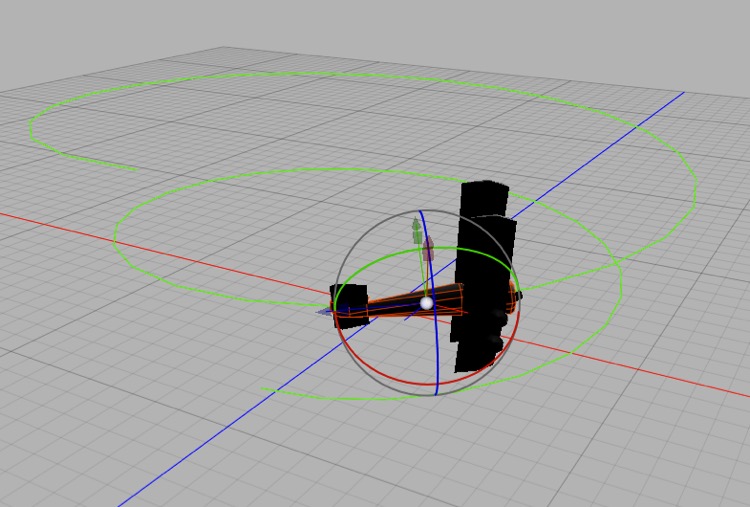
Making a model move along a path couldn’t be simpler. Add a Spline Tracking tag to the object and then assign the path to it. You can add a second rail path for greater control.
Note: this section is a stub (one caption). It omits the key step: to move the object, key the Spline Tracking tag’s Position (0 = start of the spline, 1 = end); Align to tangent, Rail, and All segments are also worth a sentence (manual: Tags › Spline Tracking Tag).