What’s new in Cheetah 3D 7?
Note: this chapter lists the changes in Cheetah 3D 7; retitle it (e.g. “Changes in Cheetah 3D 7”) or add a chapter on Cheetah 3D 8.
Note: Cheetah 3D 8.1.1 also has native Apple Silicon support, a Metal-based editor view, USDZ/STL/glTF file support, and Falcon features such as Filmic tone mapping, reflective caustics, MIS for the HDRI and Sky lights, Shadow softness, and IES light profiles (manual: Render › Falcon; Objects › Light, HDRI Light, Sky Light), not yet covered here.
The headline feature of C3D7 is the new renderer, Falcon, but there are many important new user interface refinements and features under the hood.
User Interface Changes
New look for Yosemite (e.g. “flat” icons)
Support for “dark mode” in High Sierra and Mojave.
Note: macOS dark mode arrived in Mojave; High Sierra only had a dark menu bar and Dock.
Uses default system font
Smaller download size (about 27MB!)
Vastly improved multi-object selection behavior
Edit properties of multiple objects (e.g. lights) at once
Assign materials to multiple objects at once
Support for drag and drop of colors to/from properties
Shortcuts (in preferences) divided into categories and much easier to find
Many new shortcuts added
Improved Object Browser
Objects can be renamed inline (using return key)
Object display, render, and other properties can be displayed and toggled directly
Layer Manager
Layer property added to mode tag
Note: needs checking in Cheetah 3D 8.1.1: the Layer Manager and the Mode tag’s Layer property (the 8.1.1 Mode tag manual page doesn’t list it).
Layers can be displayed/edited directly in object manager
Improved Properties Editor
Too many tags problem solved
Context menu added to tag selector (allows you to copy/paste/delete tags)
Double-clicking a texture property with an image selected opens it in the default editor for documents of that type
Improved Take Manager
Takes can be duplicated, merged, split, reversed
Reorder takes via drag and drop
All operations support undo/redo
Improved Render Manager
More information provided for each render
Context menu allows you to find scene that produced render
Editor View
Reorganized and extended context menus
Context menus work in all editing modes
Integrated camera picker and view controls into 3D view
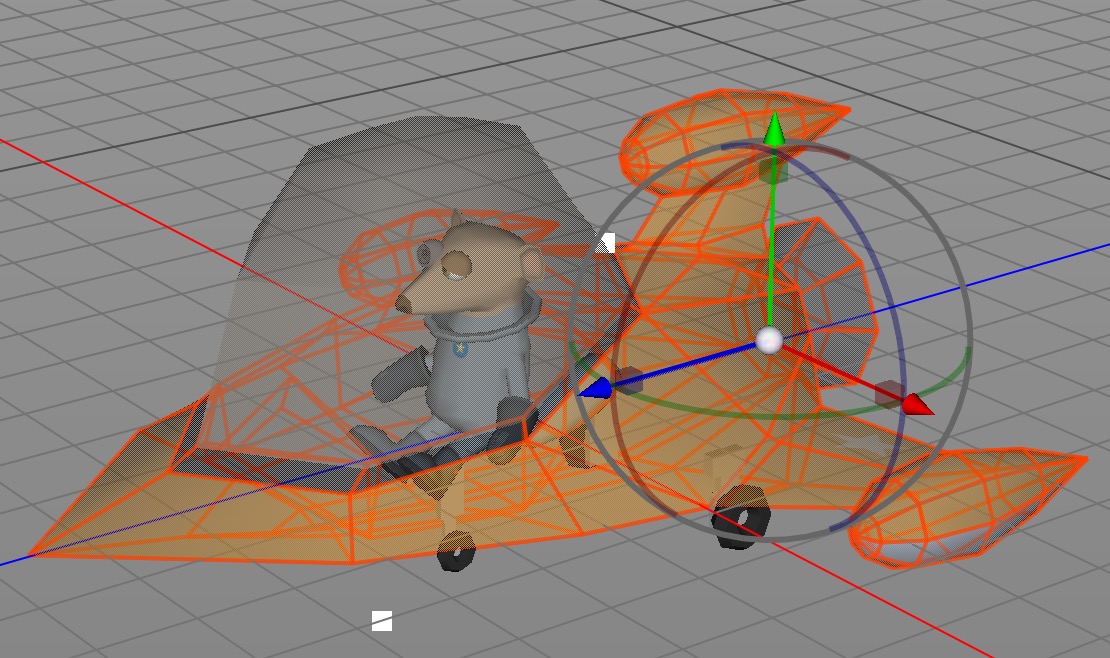
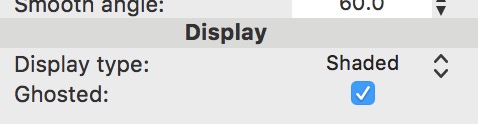
If you’ve ever fiddled with material transparency or wireframe display modes so you could see one mesh while working on another, you will love the new “Ghosted” display option.
New “ghosted” display mode for objects
Display Filters
Support for multi-touch gestures
Create Polygon has new intersect scene setting
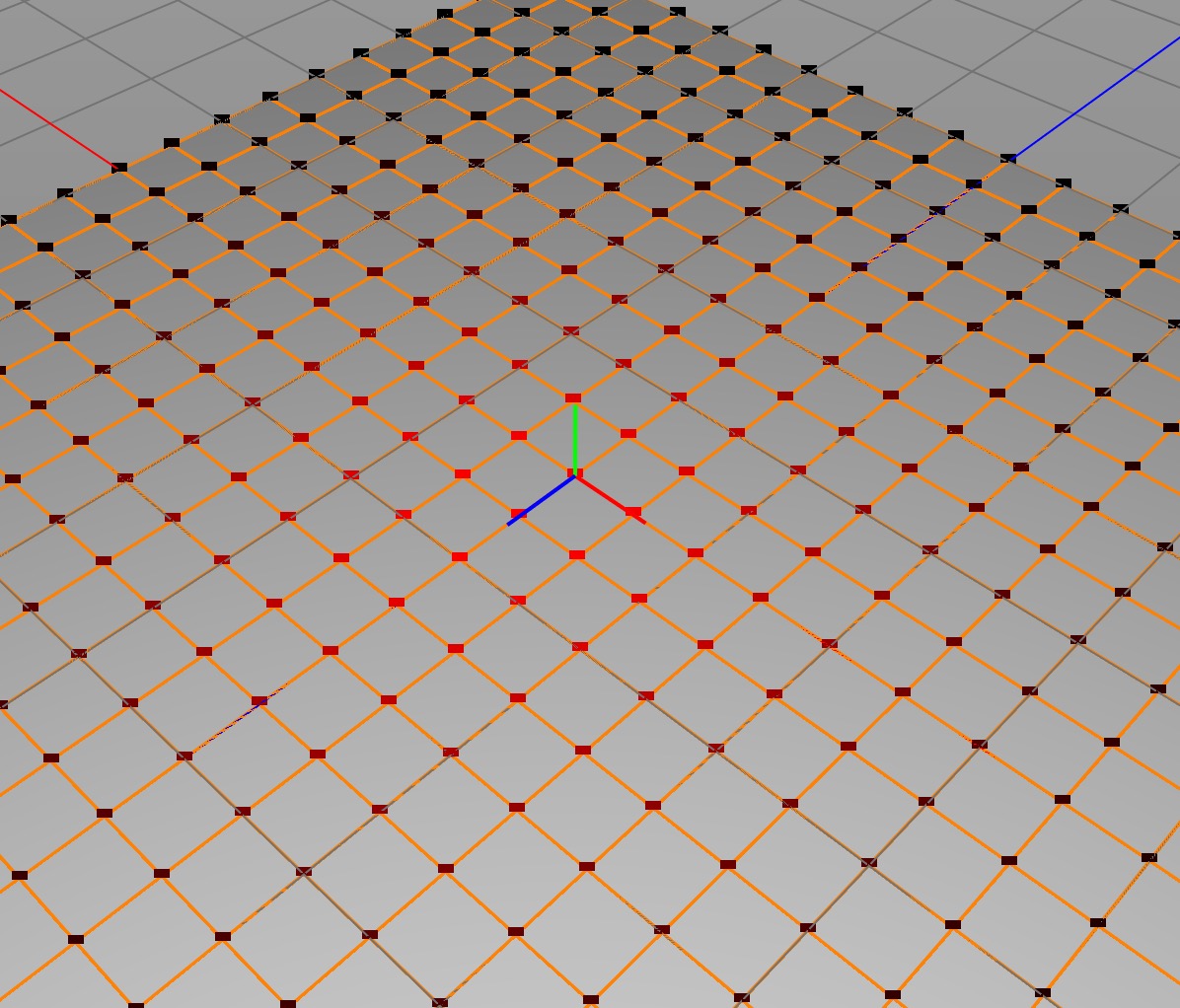
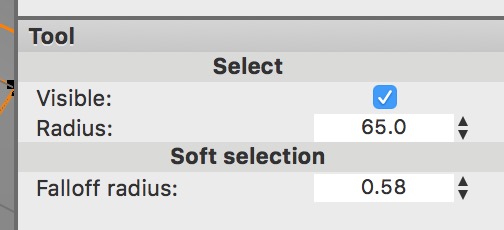
Vertex Soft Selection Support
Works with all selection modes
Falloff is displayed graphically
Alt+scroll wheel adjusts falloff radius
Polygon Brush
Only works in vertex mode
Note: requires updating for Cheetah 3D 8.1.1: the Brush tool now works in point, edge, polygon, and object mode (manual: Tools › Polygon › Brush).
Powerful falloff control
Allows basic sculpting
Can paint vertex colors
UV Editor View
New view controls (consistent with 3D view controls)
Support for multi-touch gestures
Rendering
New “Falcon” rendering engine — Physical “uni-directional path tracer” (think: more realistic, requires less tweaking)
Exposure control for renderer allows rapid global lighting changes.
Falcon supports motion blur.
Max render resolution increased to 8k.
Max baking resolution increased.
G-Buffer support in both renderers.
Reorganization of Render Controls
HDR, Fog are now objects
Radiosity, Caustics, DOF, and some camera properties are now renderer settings
Improved Booleans
New boolean polygon tool
New boolean modifier
Booleans support ngons (outputs aren’t triangulated)
Boolean tool maintains material assignments
New Merge Tool
Note: needs checking in Cheetah 3D 8.1.1: is this File › Merge (merging another file into the scene)? The 8.1.1 manual’s Merge tool (Tools › Merge) combines selected objects into one.
Replaces import children
Supports multi-object selections, hierarchy merging, parametric objects, folders,
Retains material assignments
Misc. New Features
Vertex color support.
Simplify tool integrates polygon reduction of overly complex (e.g. scanned) meshes.
Improved EXR support.
Import/Export of G-Buffers.
Improved Collada (.dae) support.
Movie texture support.
JPEG2000 texture support.
Texture filtering property in Image node.
Two new fractal types (Tetrahedron and Octahedron).
“Developer mode” (in preferences) provides shortcuts helpful for users writing scripts.
Many new Javascript APIs
Under the Hood
Support for multiple renderers.
Falcon uses a new “BRDF” material system.
No more support for 32-bit (e.g. first generation Intel Macs).
Greater memory efficiency.
Performance enhancements throughout.