How Lights Work
Falcon vs. Cheetah
AI draft: generated from the Cheetah 3D 8.1.1 manual; not yet reviewed by the author.
Cheetah 3D has two render engines, and you switch between them with Render > Renderer (or by holding down the render settings icon in the toolbar).
- Cheetah is the original renderer: a recursive ray tracer that uses irradiance caching (Radiosity) and photon maps (Caustics) for global illumination. You turn those on in its render settings.
- Falcon (introduced in Cheetah 3D 7.0) is an unbiased path tracer. Indirect light is part of how it works, so there is nothing to turn on; instead you control quality with Samples (paths per pixel) and the Ray depth (bounces) settings. Falcon only renders reflective caustics. According to the manual, future development will focus on Falcon.
End of AI draft.
Lights in Falcon
AI draft: generated from the Cheetah 3D 8.1.1 manual; not yet reviewed by the author.
Lights work the same way in both renderers, with a few Falcon-only extras:
- Shadow softness lets point, spot, and distant lights cast soft shadows. For point and spot lights it is the size of a virtual light; for a distant light it is an angle.
- MIS (Multiple Importance Sampling) on the HDRI Light and Sky Light makes renders converge with fewer samples.
End of AI draft.
Lights in Cheetah
Because Cheetah 3D is a ray tracer and ray tracing works backwards from the observer to the light source, lights do not work exactly the way you might expect.
To begin with, lights don’t “shine”. They’re simply used to calculate how brightly lit surfaces are. Without a surface to render, lights don’t do anything. > AI draft: generated from the Cheetah 3D 8.1.1 manual; not yet reviewed by the author.
If you point a camera at a light you get nothing (area lights have a Visible in camera property which, if checked, makes the light’s shape visible, so it also shows up in reflections).
End of AI draft.
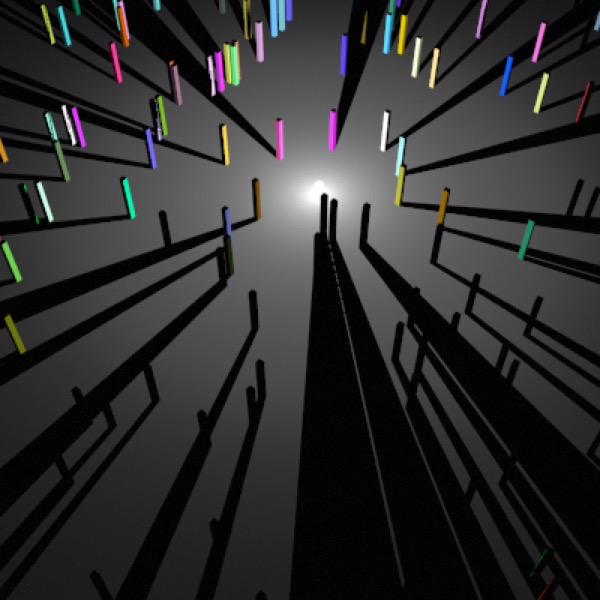
Point Light.
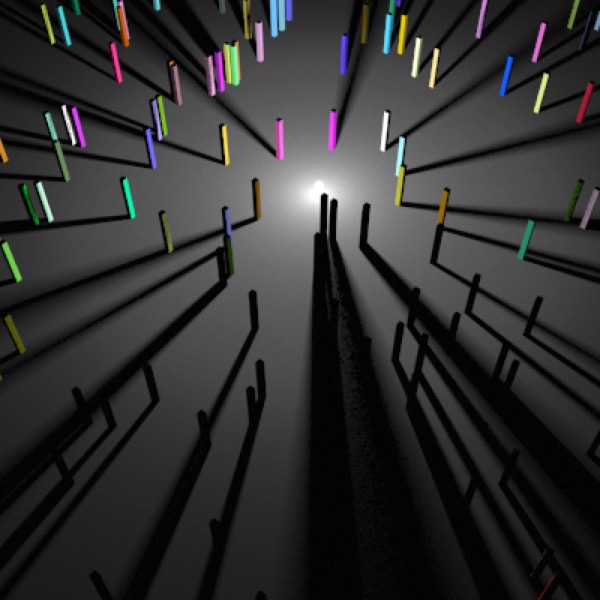
Point Light with 5 samples.
Note: needs checking in Cheetah 3D 8.1.1: the manual documents Samples for area lights only; soft shadows from point lights now come from Shadow softness (Falcon only). Does a point light still have Samples?
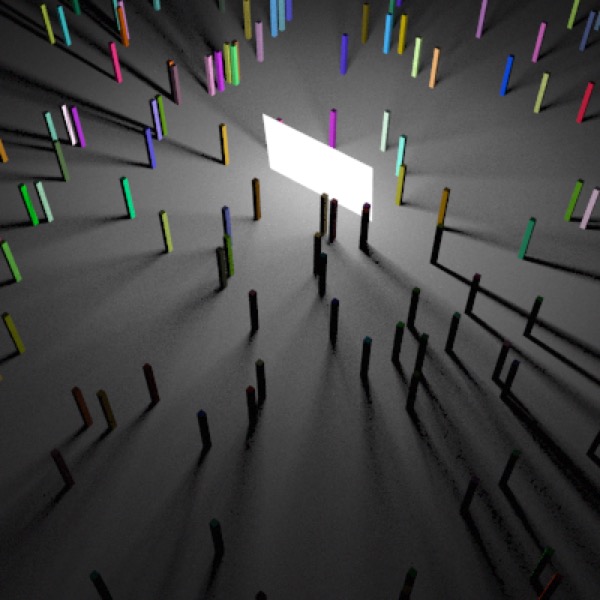
Area Light with 5 samples (Visible in camera is switched on)
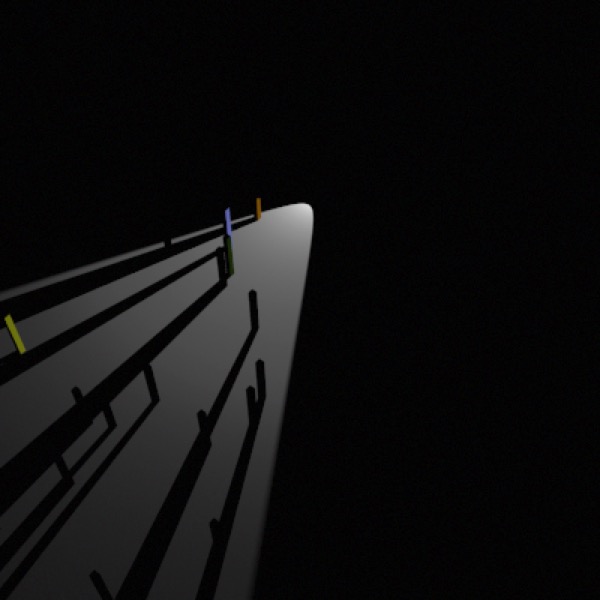
Spot Light.
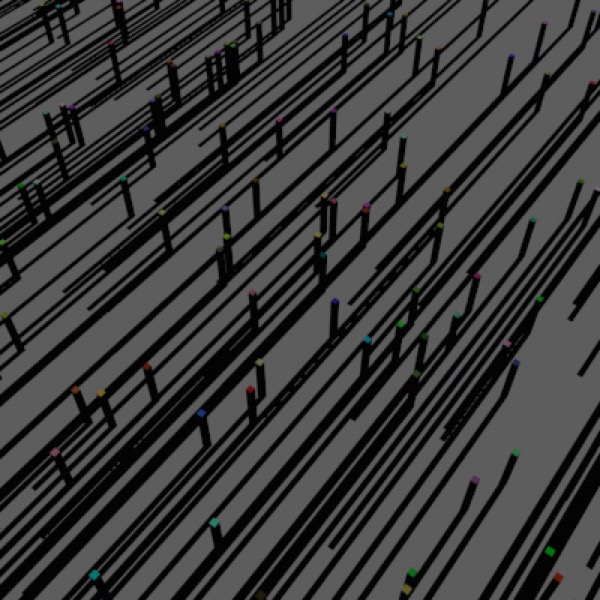
Distant Light.
Ambient Light.
Next, all lights in Cheetah 3D are either effectively point sources or distant lights. A spot light is a point source whose brightness varies based on direction. An area light is simply a stochastically sampled collection of point lights lying on a rectangle. And so forth. This is important because lighting calculations all require the rendering engine to calculate the direction from some point in space to a light source.
How much light the light source casts on an object is determined by:
the light source’s color and intensity,
the normal of the surface being illuminated relative to the direction from the point being rendered to the light source,
what obstacles, if any, lie on the path between the point being rendered and the light (and what those obstacles are made of),
for attenuating lights — the distance from the point being rendered to the light source,
and — for spot lights — the direction from the light source to the point being lit relative to the light source’s facing.