The Sky Light Object
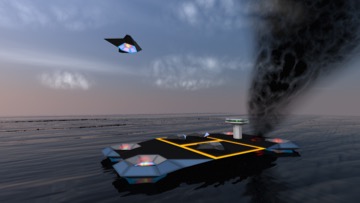
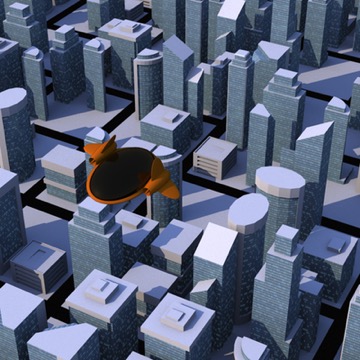
What do these two scenes have in common? Each is lit by a single Sky Light.
AI draft: generated from the Cheetah 3D 8.1.1 manual; not yet reviewed by the author.
A quick and simple way of producing quite nice results is simply to add a Sky Light object to a scene and (if you want the sky to show up behind your scene) to check its Background property. The Sky Light roughly simulates light from the sun and sky based on latitude, longitude, date, and time. It doesn’t render clouds or anything that sophisticated, although the turbidity setting produces a kind of haze effect.
End of AI draft.
Note: needs checking in Cheetah 3D 8.1.1: does Background also make the sky appear in reflections, as the old Geometry property did?
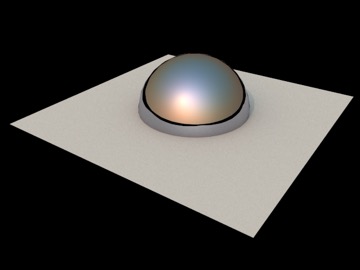
The Sky Light’s geometry assumes everything below the horizontal plane is pitch black, which is a bit of a shortcoming since the one thing the ground won’t be is pitch black.
AI draft: generated from the Cheetah 3D 8.1.1 manual; not yet reviewed by the author.
A more significant shortcoming of the sky light object is that it doesn’t let you set the color of the ground plane (its Albedo property only sets how reflective the ground is), which means you need to be careful to place your scene slightly above the origin and put in some low level objects (fences or whatever) to prevent black lines from appearing in ground-level reflections.
End of AI draft.
Note: needs checking in Cheetah 3D 8.1.1: with Albedo set, is everything below the horizon still pitch black (see the caption above)?
Note: Cheetah 3D 8.1.1 also has the Sky Light’s MIS and Shadow softness settings (Falcon only) (manual: Objects › Sky Light), not yet covered here.