Creating your own HDRIs for Image-Based Lighting
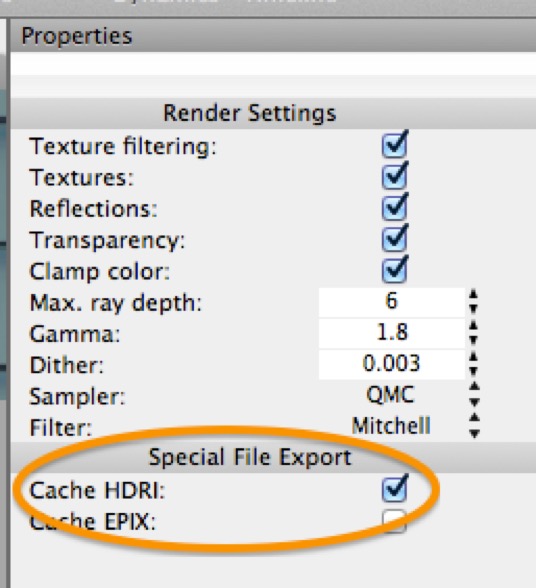
AI draft: generated from the Cheetah 3D 8.1.1 manual; not yet reviewed by the author.
If you want to use a panoramic render for image-based lighting, the first thing to do is turn on Save G-Buffer in the renderer’s settings (with Color depth set to 16- or 32-bit). Then, after you render a panorama, the Render Manager will let you save the result as an EXR file, which an HDRI Light can load for image-based lighting.
End of AI draft.
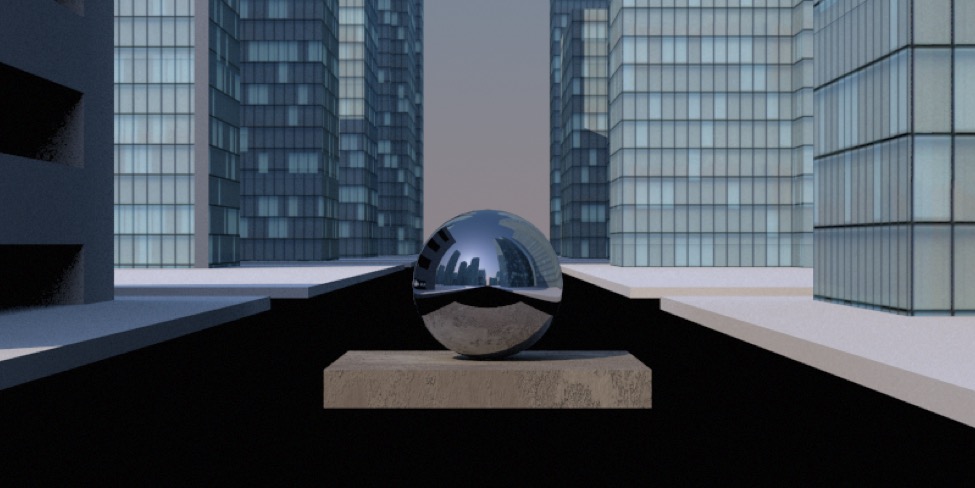
A steel sphere on a stucco cube rendered in the middle of the cityscape scene from Rendering Panoramas.
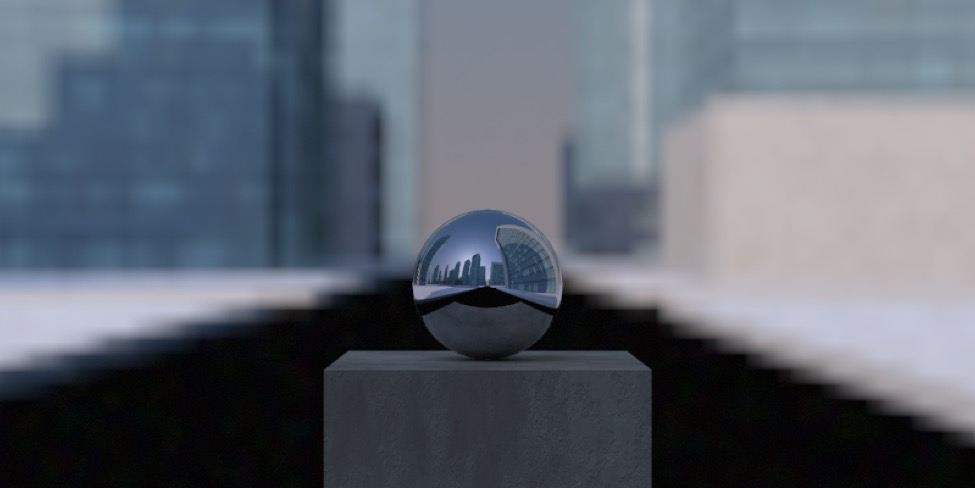
The same simple model rendered using the rendered HDR image for image-based lighting. (Note that the panorama had to be rotated 180°.) Note that the backdrop doesn’t quite match because the test object has been rendered as though it was located where the camera was — to match the original scene I’d need to place the camera where the object is and then render a new HDR.
AI draft: generated from the Cheetah 3D 8.1.1 manual; not yet reviewed by the author.
In most cases, using an HDRI Light together with radiosity will result in much faster rendering than any reasonably sophisticated lighting setup.
End of AI draft.