Other Lighting Options
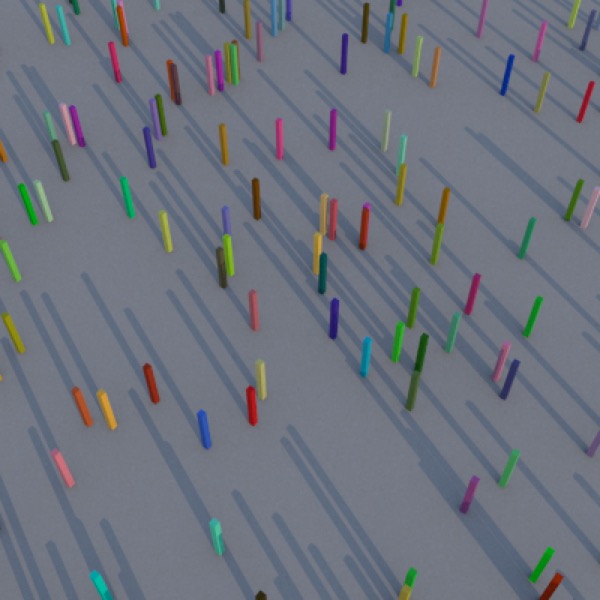
Sky Light (8:00am).
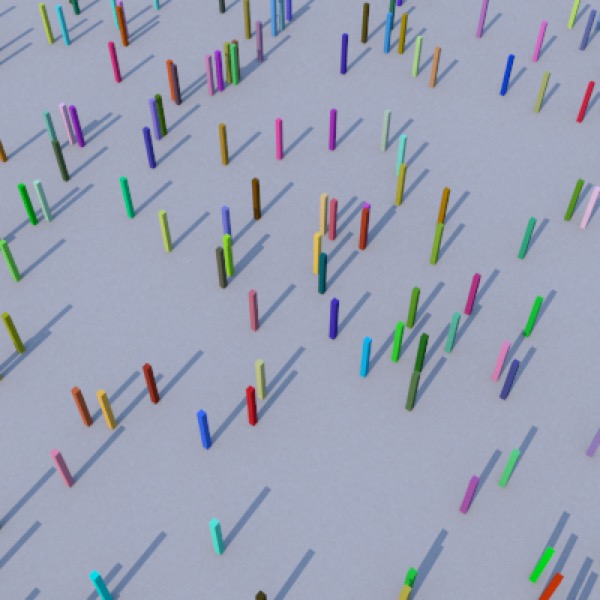
Sky Light (noon).
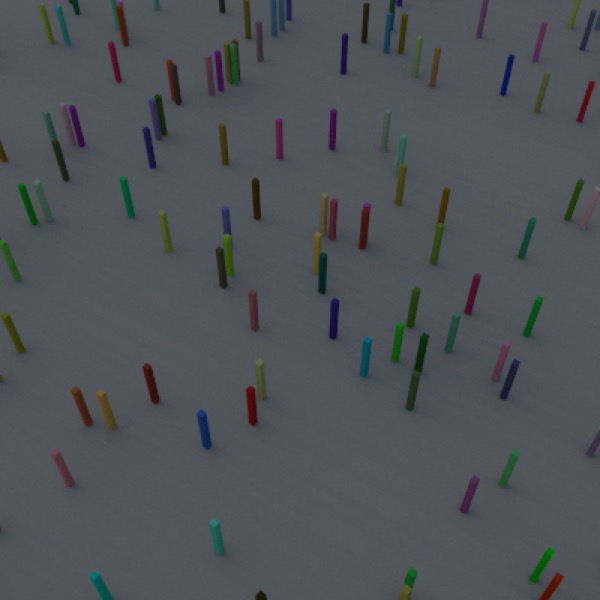
Sky Light (5:30pm).
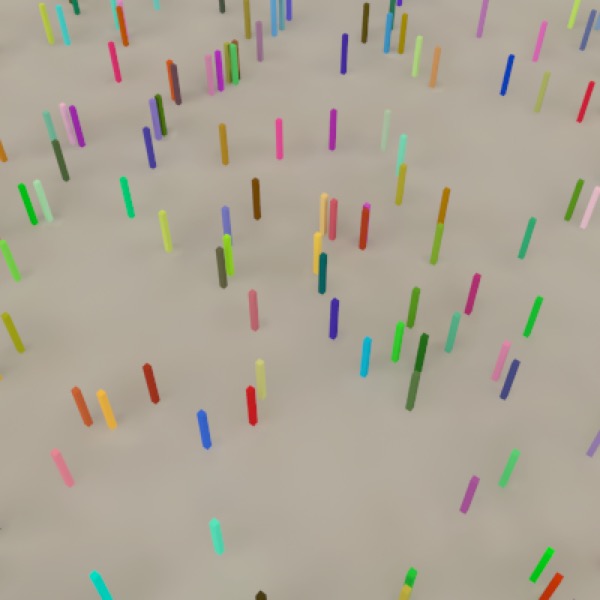
HDRI (Entrance Hall Pano) with Radiosity (default settings).
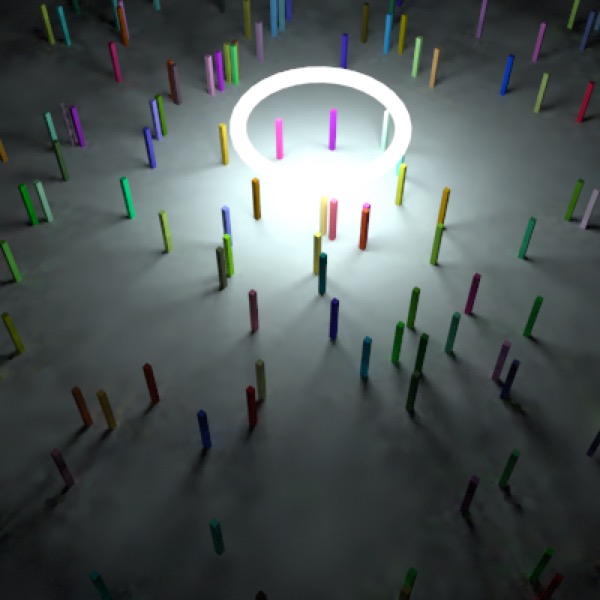
Glowing Torus with Radiosity (Rmin 0.001, Samples 5000, Detail Detection on) and Camera Light set to off (if auto, it will turn on and ruin image).
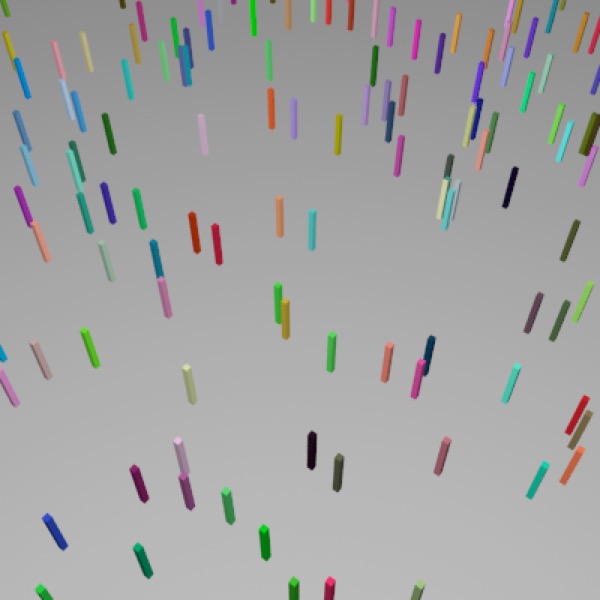
Camera Light. (Just say “No!”)
In addition to the basic light object, Cheetah 3D provides several other methods of lighting a scene.
- The camera light (essentially a point light with no attenuation located where the camera is; by default, it is only active if a scene has no other lights in it).
Note: needs checking in Cheetah 3D 8.1.1: the manual describes Camera light as an on/off property of the camera that you disable once you have your own lights (Objects/SceneObjects/Camera); is there still an “auto” setting? (Also the Glowing Torus caption above.)
- The Sky Light (a basic sky simulation which provides a passable simulacrum of the light produced by the sun and sky).
AI draft: generated from the Cheetah 3D 8.1.1 manual; not yet reviewed by the author.
Image-based lighting (if you add an HDRI Light object to your scene and load a suitable .hdr or .exr image into it, the image will light your scene; with the Cheetah renderer, also turn on Radiosity in its render settings, choosing Ambient occlusion or Radiosity).
Emissive Objects can light a scene with Falcon, or with the Cheetah renderer when Radiosity is turned on in its render settings (these work particularly well with judiciously chosen Radiosity settings).
End of AI draft.
To make an object “emissive” you need to create a suitable material — generally using the Material shader. The light emitted is the diffuse color multiplied by the emissive color.
Note: needs checking in Cheetah 3D 8.1.1: is no light still emitted when the diffuse color is black, in both renderers?
Note that if the diffuse color is black, no matter what the emissive color is, no light will be emitted. I consider this to be a bug, but apparently it’s a feature. Note that to create a strongly emissive material you need to use a Color constant node (or some other vector of arbitrary size) to drive the Material Shader’s emissive channel — which allows you to dial up the intensity of the emission.