Rendering a Sky Box
To render a skybox from a scene you simply need to:
Set the renderer’s Resolution to produce a square image (e.g. 512x512)
Set the camera’s field of view to 90°.
Place the camera at the origin (0,0,0).
Create a six frame animation where the camera’s rotation settings are: (0,0,0), (-90,0,0), (180,0,0), (90,0,0), (0,90,0), and (0,-90,0).
Now simply render the entire sequence to create a skybox from whatever scene the camera is placed in.
Skybox Utility
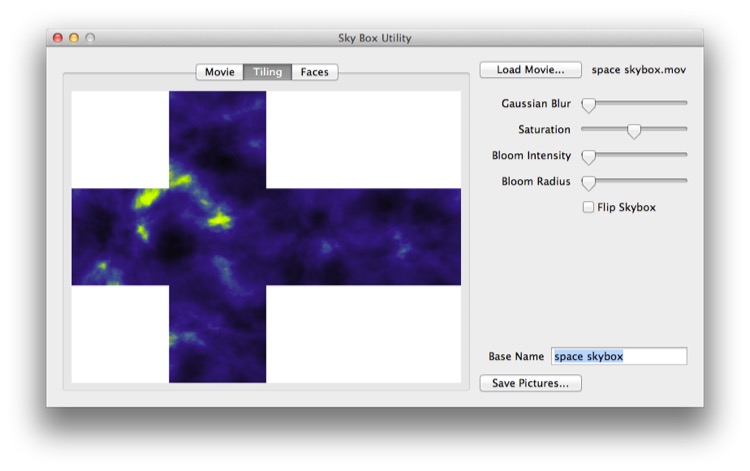
Skybox Utility will take an animation rendered using the preceding process and turn it into a skybox, ready for import into Unity 3D. You can obtain a copy of this free program from http://loewald.com/waterboy.
Note: the loewald.com/waterboy link looks dead; check it or remove the Skybox Utility paragraph.
Note that a similar technique can be used to create faux HDR boxes.