Shadows
Shadows are rendered as a side effect of the ray-tracing algorithm. If shadows are enabled for a given light then it will not illuminate a point where the path between that point and the light is obstructed by another object.
The Raytrace+Transparency shadow setting causes transparent objects to partially block light, but since it does not simulate the refraction of light the resulting shadows often look unconvincing.
Soft Shadows
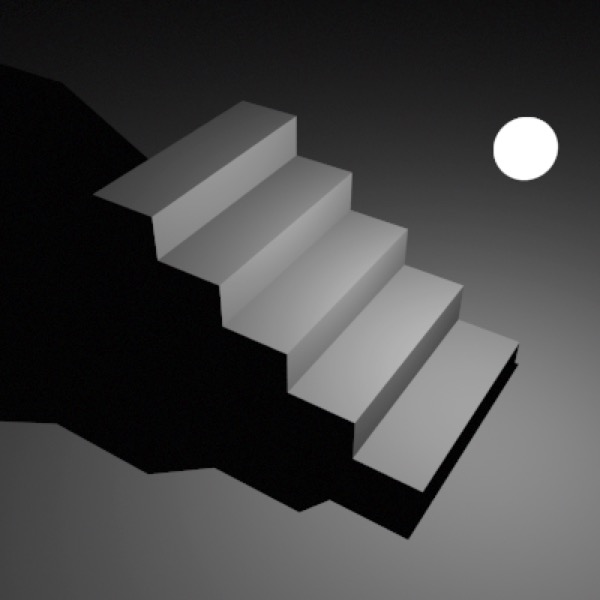
Point Light with 1 sample.
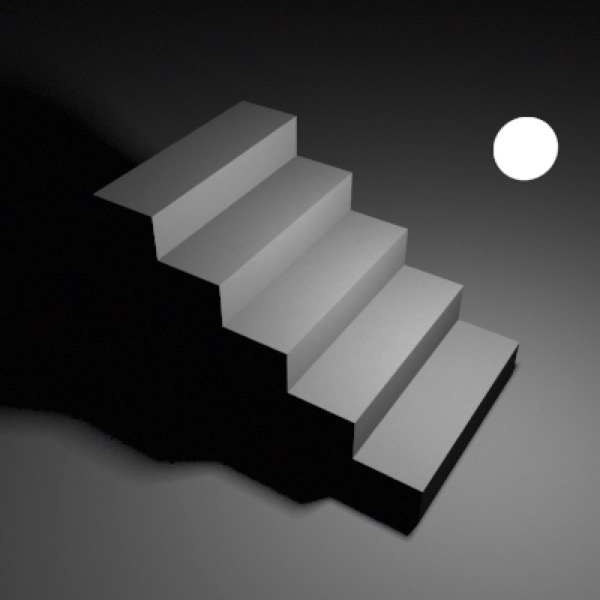
Point Light with 5 samples.
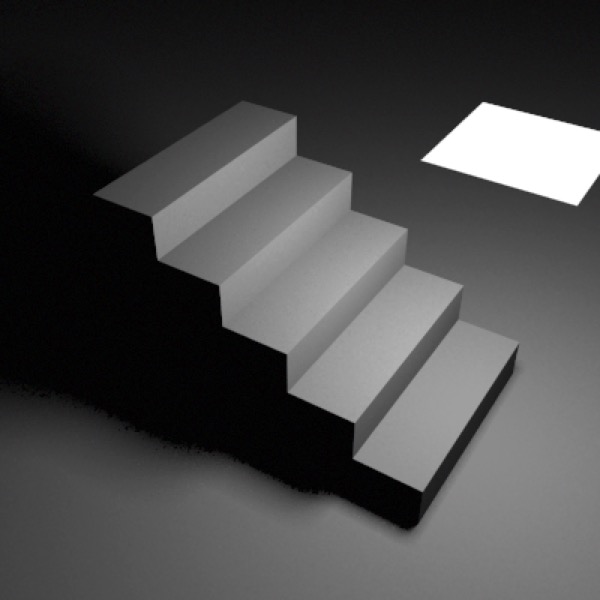
Area light (5 samples)
Cheetah 3D renders soft shadows when shadow-casting lights are area or point lights with multiple samples. Image-based lighting and emissive object lighting produce very soft shadows.
Note: Cheetah 3D 8.1.1 also has a Shadow softness property that gives point, spot and distant lights soft shadows in Falcon, a Shadow color property, IES light profiles, and area light Shape and Normalize settings (Objects/SceneObjects/Light), not yet covered here.
Note: needs checking in Cheetah 3D 8.1.1: the manual documents Samples for area lights only; do point lights still have Samples (see the captions above)?