Faking Motion Blur
AI draft: generated from the Cheetah 3D 8.1.1 manual; not yet reviewed by the author.
If you render with Falcon, you don’t need to fake motion blur: Falcon has built-in motion blur for camera motion, object transformations, and mesh deformations, controlled mainly by the camera’s shutter time (it only works when rendering animations). The techniques below are still useful with the Cheetah renderer, or when you want to add motion blur afterwards.
End of AI draft.
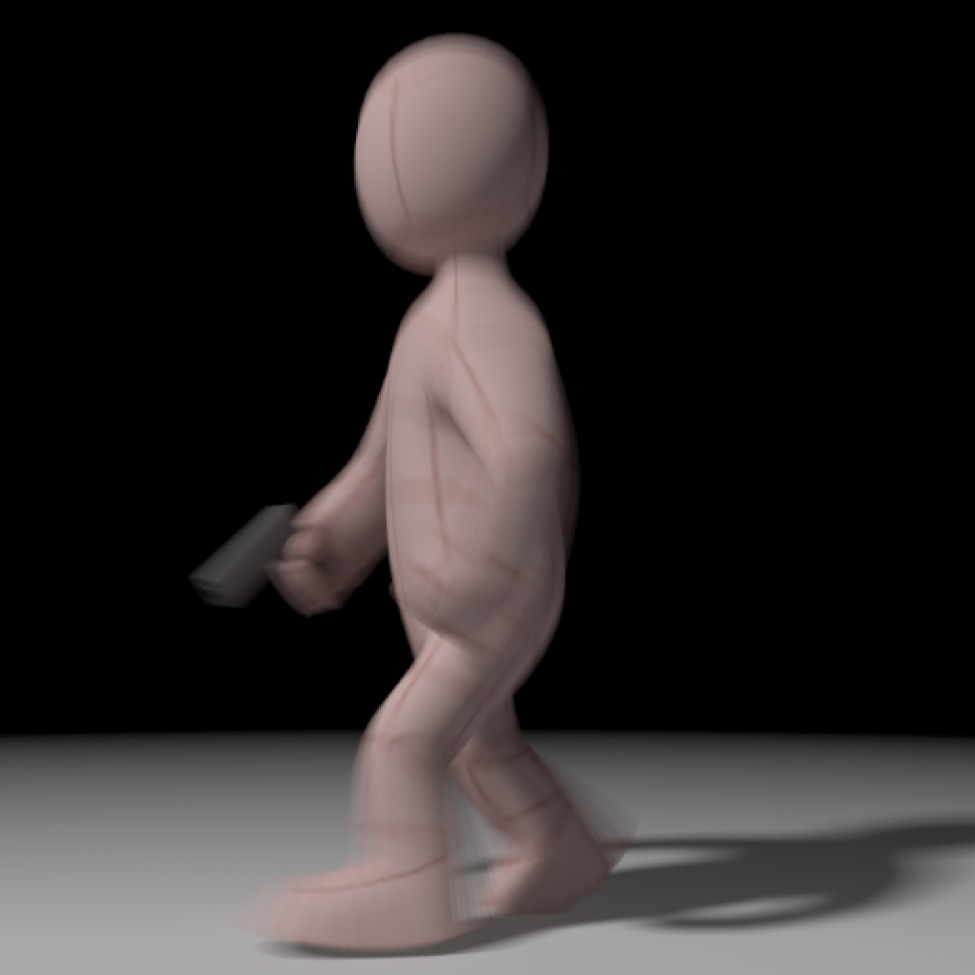
The best way to fake motion blur right now is to use a high-end motion graphics program (such as Motion or After Effects) to interpolate the frames of a high-fps animation for you. The image above was created by rendering an animation at 120fps, then importing it into Motion 5 and then turning on View > Render Options > Motion Blur and setting the Project Properties Motion Blur samples and shutter angle to values that produced the desired result (16 samples and 720° in this case).
Note: if you want to think of this in terms of photography, by default Cheetah 3D renders with a shutter speed of 0s (or 1/∞ – which is impossible, of course), but we're used to seeing images produced with an actual non-zero shutter speed during which some things will tend to move and thus become slightly smeared. By rendering at 120fps and then sampling 16 frames we are, in effect, simulating a shutter speed of 16/120 or roughly 1/8s. (The shutter angle determines how the frames are sampled.)
I believe similar results can be achieved using Adobe After Effects, but I haven’t got a recent version of After Effects to play with. (Motion is available from the App Store for $50.)
Motion Blur Tool
A few years ago I wrote a free tool for doing something similar to what I’ve just described. It uses the same approach I’ve outlined above, but doesn’t have as high quality a rendering path as Motion does, so I’d only use it if you don’t have a better solution.
You can obtain a copy of my Motion Blur Tool here.
Note: needs checking: is the Motion Blur Tool download link still live?